I recently made an AI bot at my company that does an initial risk assessment when you give it a potential risk scenario. We have an internal AI agent developer platform and I had used that stack.
I thought it might be something a lot of others would also benefit from such an approach since we are all figuring these things out. So, I recreated this on ChatGPT project so that you could get a sense of how this works.
I got the most consistent results when I used the ChatGPT 5.2 Thinking model.
You could use try this out on ChatGPT and then use the learning to build your own agent in your organization complying to the organization’s AI Usage and Security policies. Although I made this using ChatGPT, you could very easily replicate this using CoPilot, Claude or Gemini.
Caveats: You need a ChatGPT Plus (or higher) subscription for this to work well. I tried on the free plan and I found that it didn’t follow the instructions some of the time and was overall very unreliable.
How the agent works
It’s pretty straightforward.
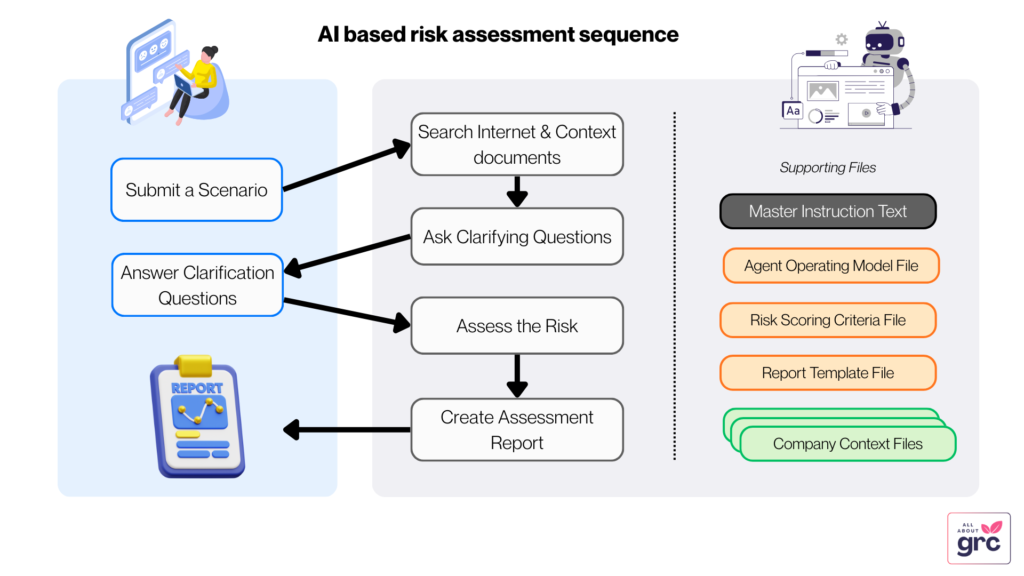
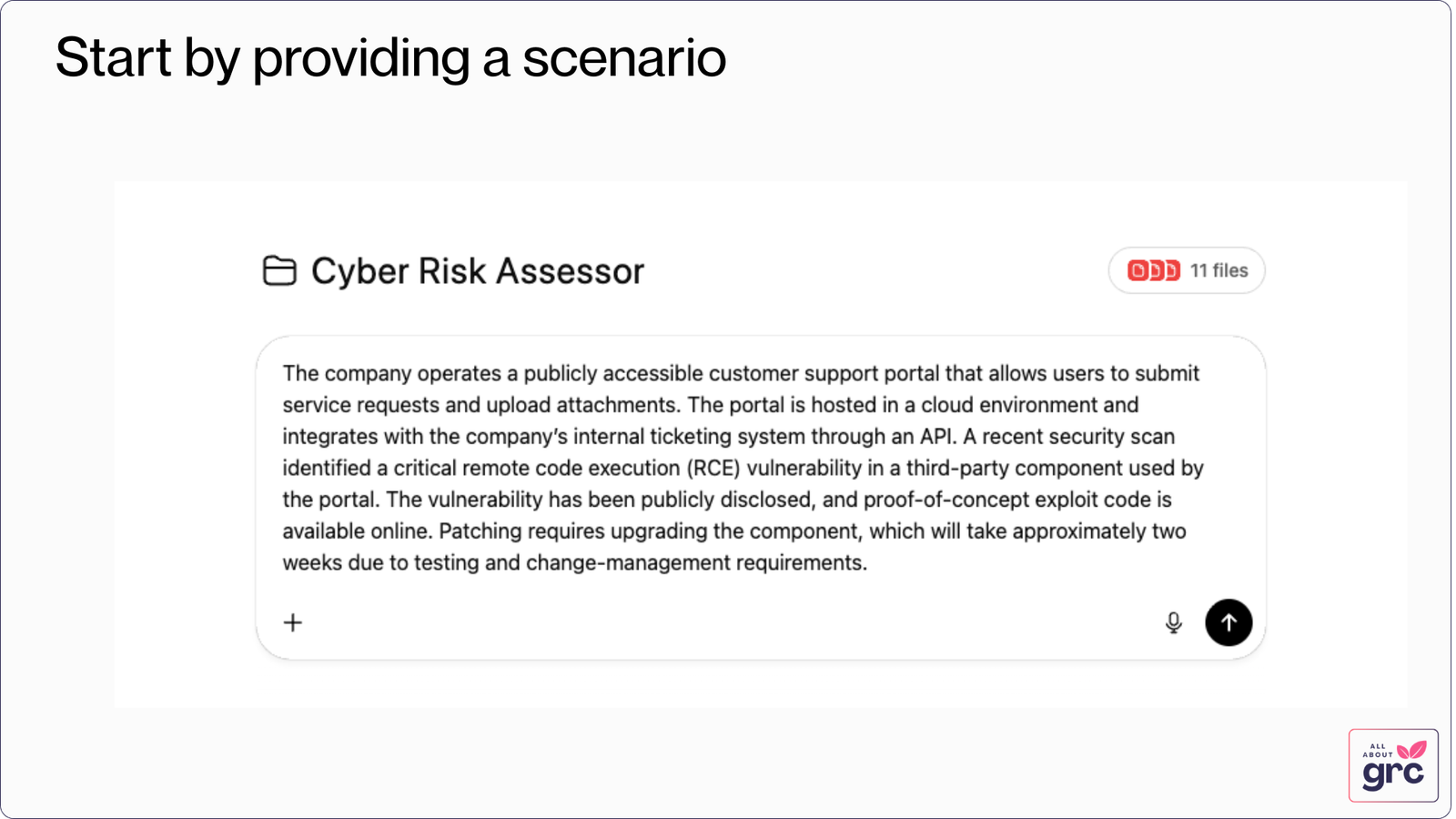
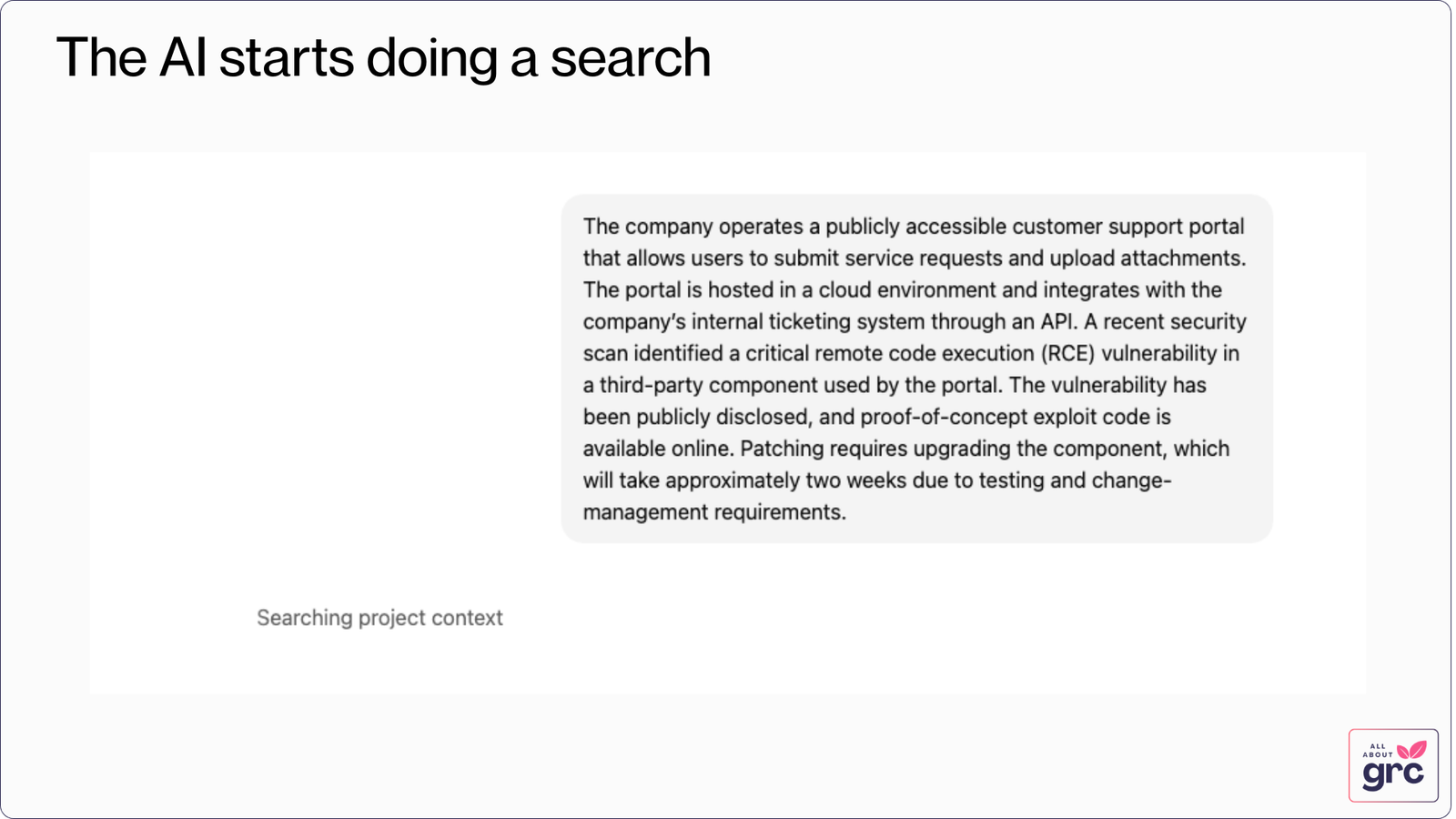
- You provide it a scenario and it searches the Internet and the Company documents to understand the context better.
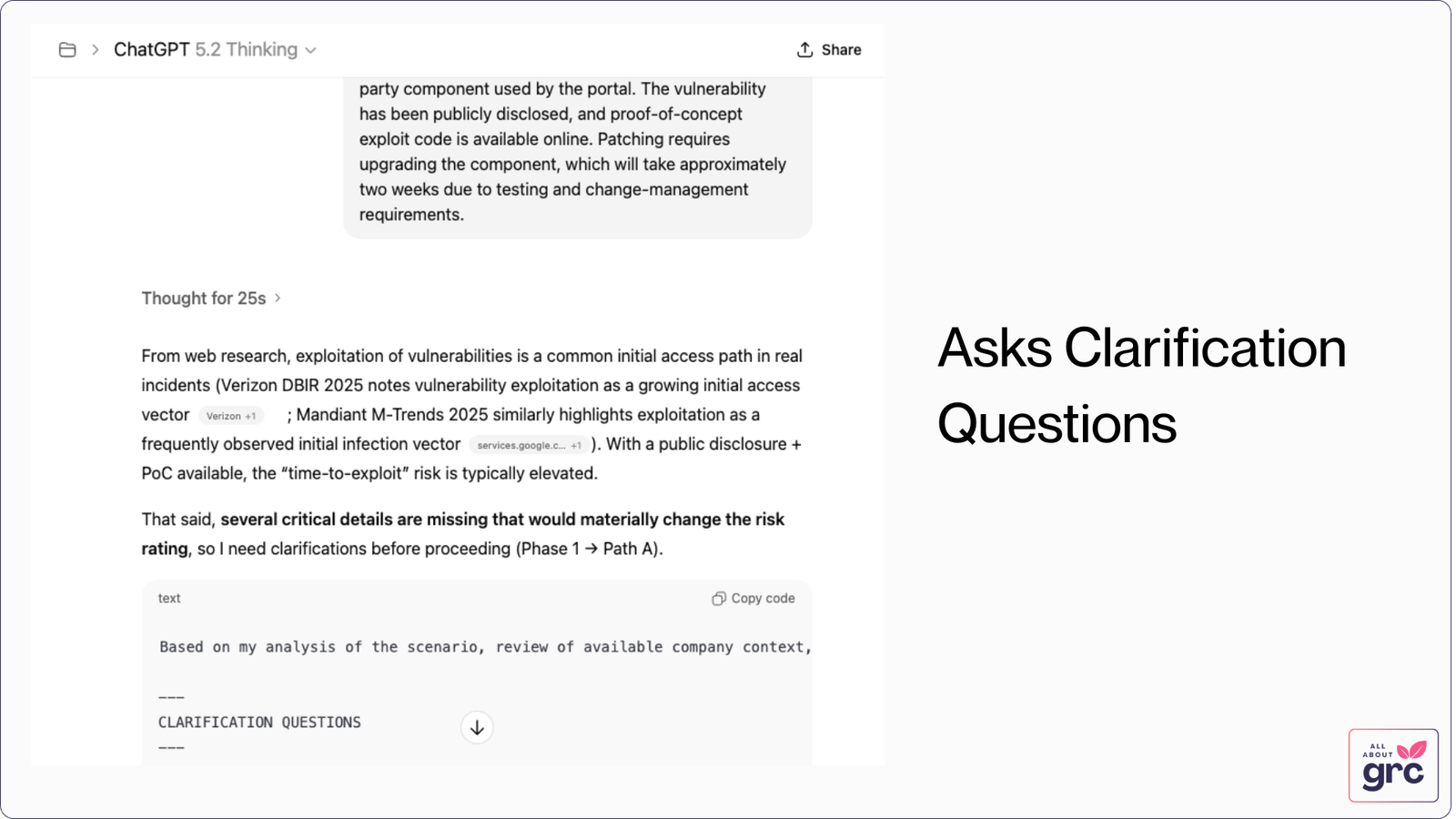
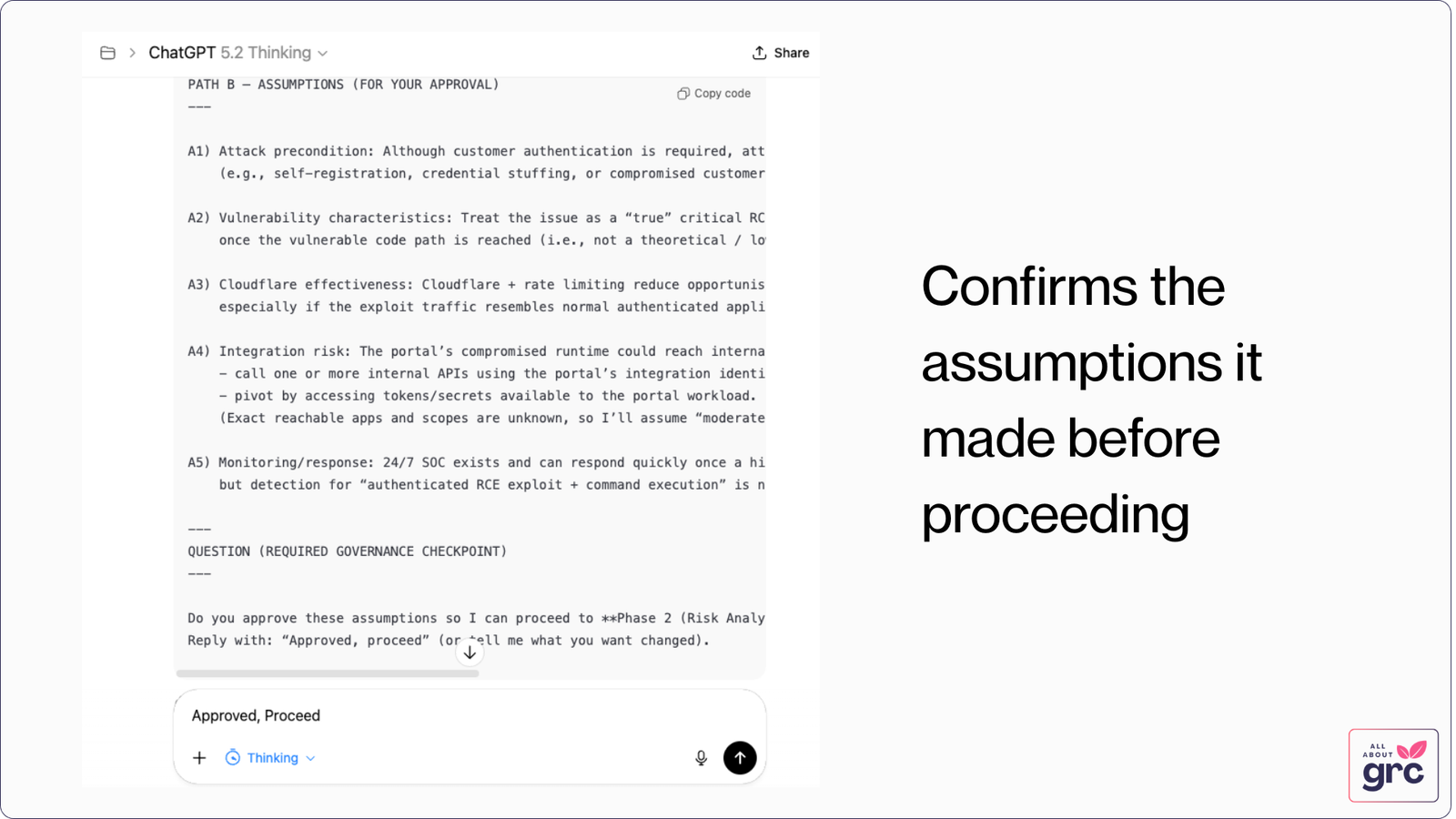
- It asks you some clarifying questions.
- Based on your responses to these questions, it makes an assessment.
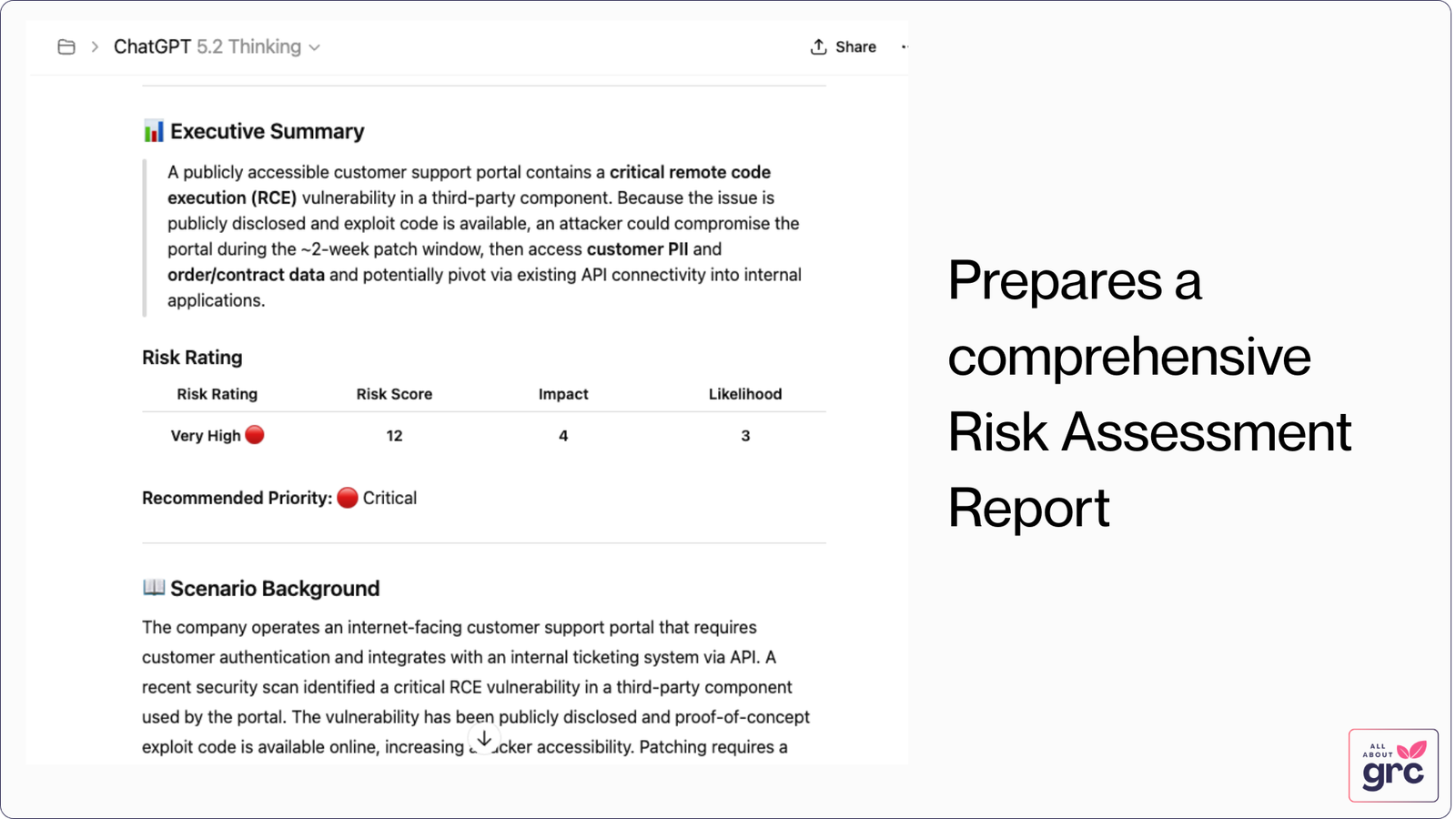
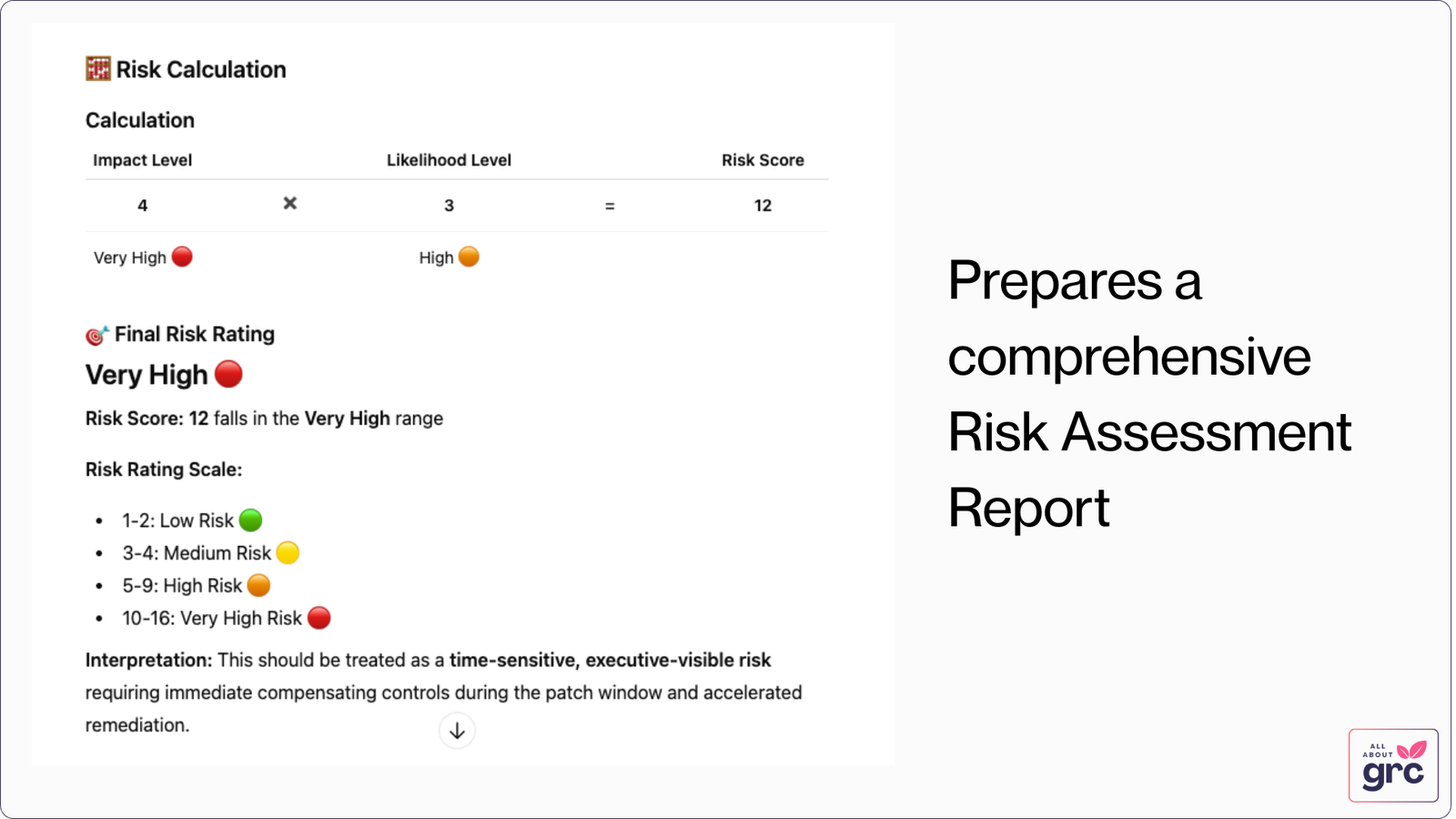
- The final result is presented to you in a Markdown report format.
Building the Project yourself
So, how can you build such a project yourself? Follow the steps below.
Step 1: Create a ChatGPT Project
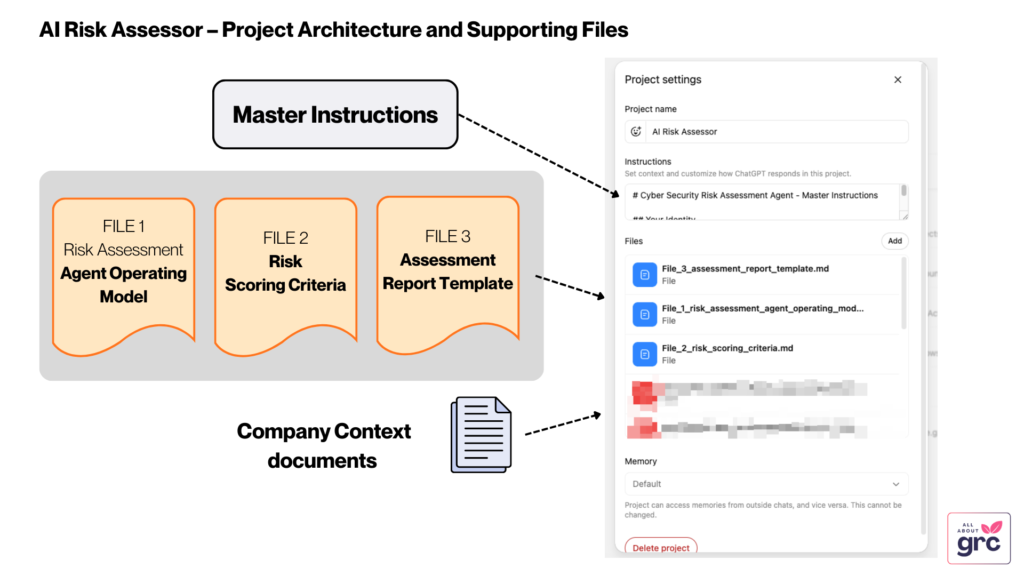
Create a ChatGPT Project with five set of files:
- A Master Instructions text that tells the project how it should work.
- An Agent Operating Model file that tells the AI how exactly to perform an assessment.
- A Risk Scoring Criteria file that documents the methodology used in the organization.
- A Report Template file that the AI uses to display the final report.
- A set of company documents that gives a lot of internal context to help the agent assess the problem better.
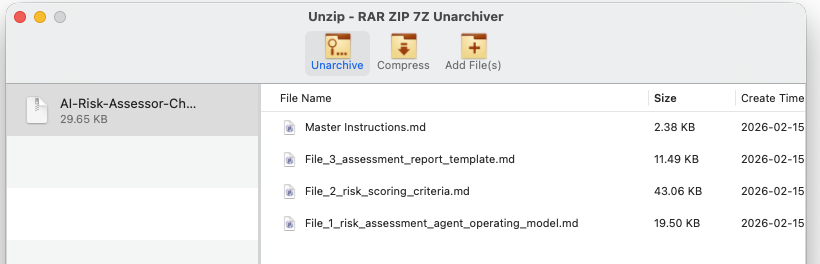
Files 1 to 4 are available to download as a ZIP file in Step 3.
About #3 Risk Scoring Criteria file
The Risk Scoring Criteria contains a 5×5 model for a fictional company. You should change this to reflect the methodology used in your own company. But for testing purposes, this should be sufficient.
About #5 – Company Context documents
The zip file in Step 3 do not contain any Company Context documents. You will have to collect this yourself for your organization. I have given some tips on how to collect it in Step 2.
Step 2: Find Company Context documents
What are some good documents to provide company context?
A lot of it would be publicly available information – for example:
- Business Model*
- Financial Reports*
- Financial Declarations*
- Business Goals and Targets*
- Staff count
- Regions operating
- Regulatory obligations
* If your company is publicly listed, these would be available from your Investors page.
- Systems used and their descriptions **
- Critical Third Parties **
- Dependencies **
- Control Environment **
** If your company has a SOC2 report or ISO 27001 certified, then some of these information would be present in those reports. A lot of companies would have a limited set of information in their Trust Portals.
Note: Always consult your Information Security/AI Governance/Privacy teams before deciding what is appropriate to upload to a ChatGPT project.
For my tests, I went to a public company’s Investor page, downloaded 2 years of their Earnings Reports, SEC filings and the reports they made available on their Trust portal to build the company context.
Step 3: Upload the files and prompts to the project
The four files you need are available in the Zip file below. Download and extract them.
Master Instructions file
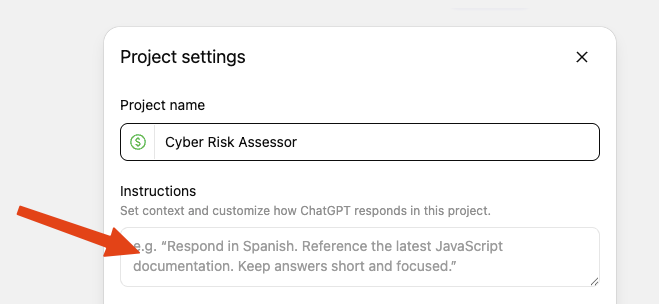
Paste the content of the the Master Instructions.md file to the Instructions box in ChatGPT’s Project Settings.
Risk Assessment files
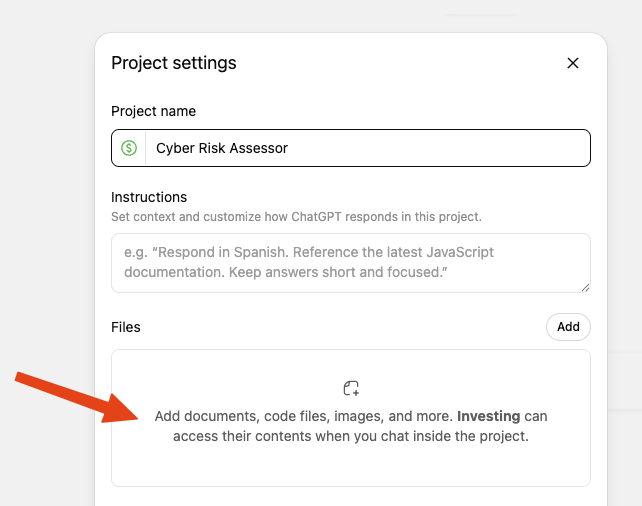
Upload the below files to the Files section in ChatGPT’s Project Setting as shown in the screenshot.
- File_1_risk_assessment_agent_operating_model.md
- File_2_risk_scoring_criteria.md
- File_3_assessment_report_template.md
What does the final product look like?
Here’s a snapshot of what the solution looks like in practice:
How can you build on this?
With the above step, you should have your own AI based Risk Assessor. Try it out and do let me know what you find.
Here are some ideas on how you could improve on this:
- Obviously, customize the Risk Rating and Company Contexts with your own information.
- Try other models like CoPilot, Claude, Gemini etc.
- Make a custom document listing all the major controls you have implemented so that the Agent can understand the existing Control landscape.
- Make a custom document listing out important projects so that during the risk assessment, the Agent can see if any of these could be impacted.
- I think doing the assessment process as a sequence using multiple specialized agents is a better approach. I will be trying that approach in the future.
Thank you and enjoy!